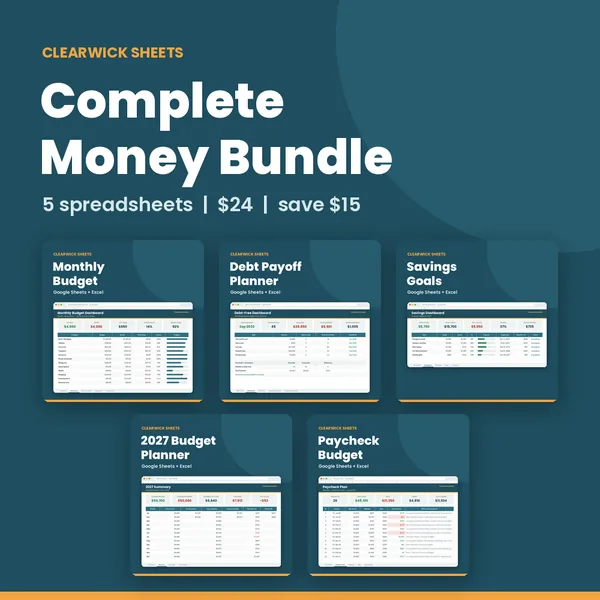
Paycheck Budget Planner: Biweekly & Weekly Paycheck Budget Spreadsheet
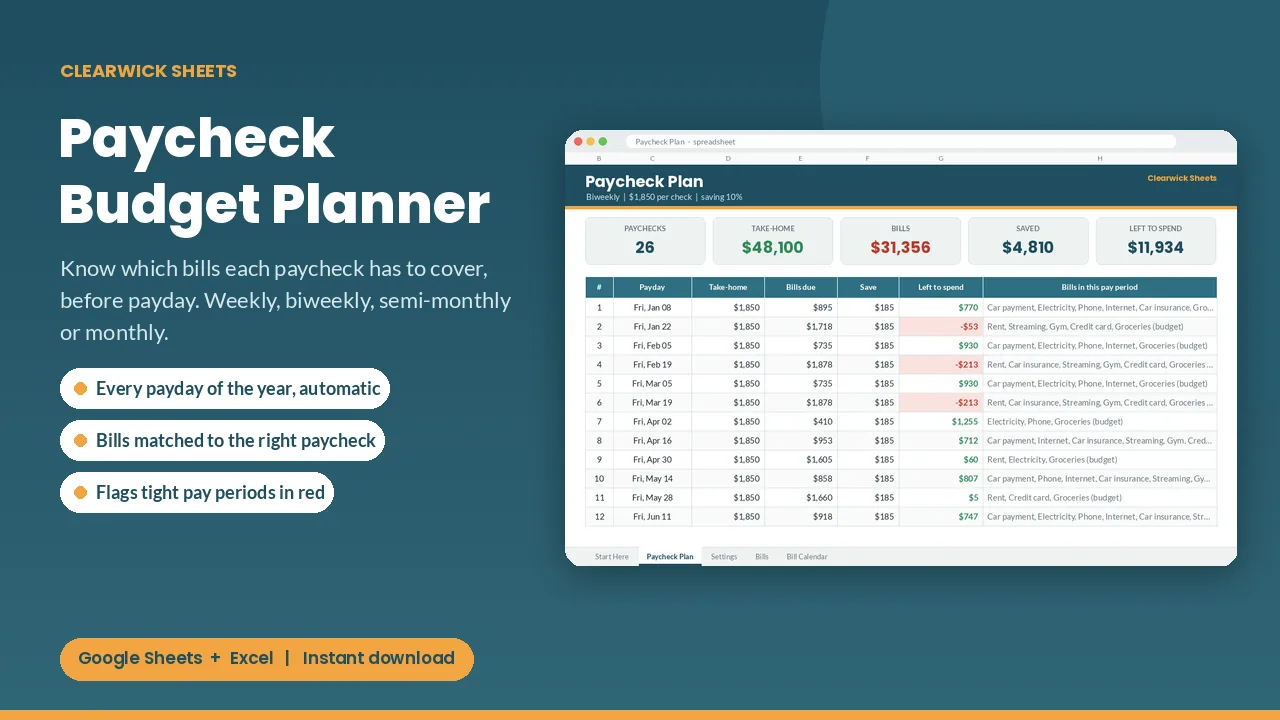
Every payday of the year is generated for you, with the bills due before your next check, what to save, and what's left to spend.
$8Buy on Gumroad – instant download
How to budget by paycheck (biweekly or weekly)
A monthly budget assumes your money arrives once a month. If you're paid every two weeks, the real question is "which bills does this paycheck have to cover before the next one?"
- List every bill with its due date.
- Assign each bill to the last paycheck that arrives before its due date.
- Subtract bills and savings from that paycheck; what's left is your spending money until next payday.
- Watch the tight pay periods (when rent and a car payment land on the same check) and plan for them in advance.
Bonus: biweekly pay means 26 paychecks a year instead of 24, so two months get a third paycheck. Budget the month on two checks and send the "extra" ones straight to savings or debt.
The planner generates every payday of the year for weekly, biweekly, semi-monthly or monthly pay, assigns bills to each check and flags tight periods in red.
What you get and how to use it
Paid every two weeks but your bills are monthly? This planner tells you which bills each paycheck has to cover, before payday.
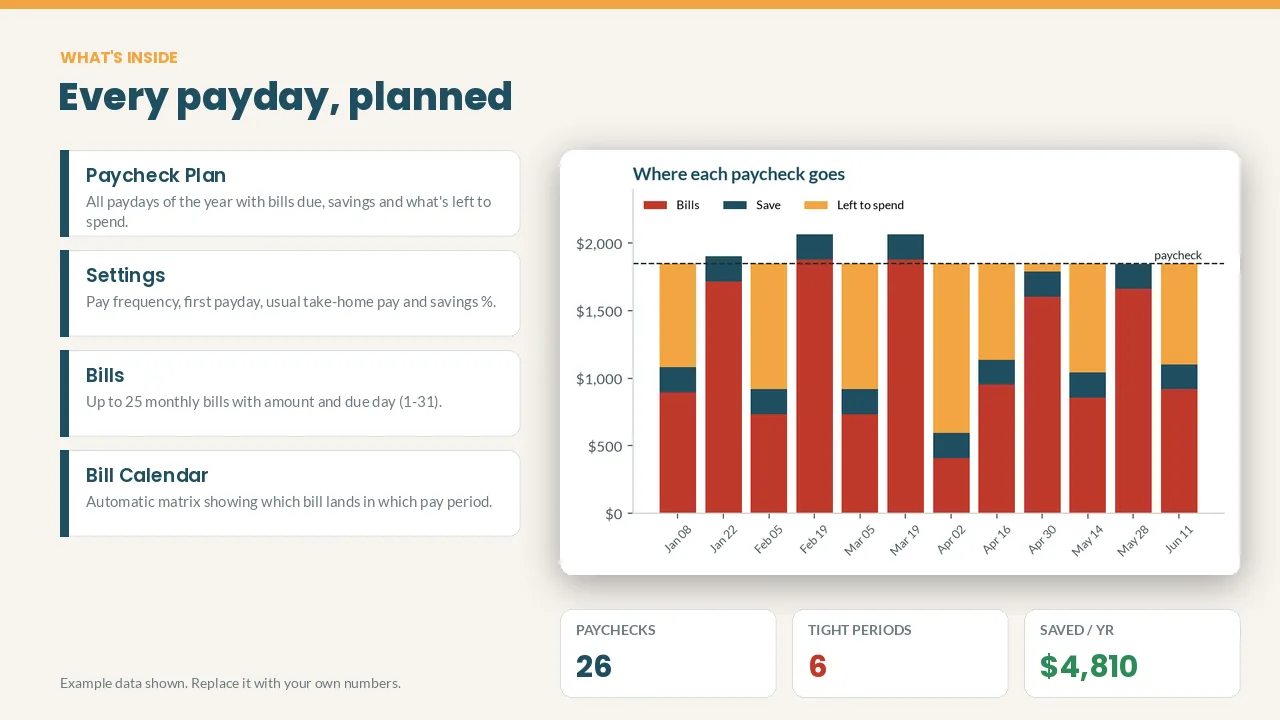
What's inside
- Automatic payday list for weekly, biweekly, semi-monthly or monthly pay, plus 'Actual paycheck' overrides
- Bills matched to the right paycheck by due day (1-31); due days past the end of a short month move to its last day
- Per paycheck: take-home pay, bills due, savings %, money left to spend, and the names of the bills
- Red alerts for tight pay periods, so you can plan ahead
- Bill Calendar matrix and a stacked chart showing where each paycheck goes
How it works
- Set your pay frequency, first payday and usual take-home pay.
- List your monthly bills and due days.
- Open Paycheck Plan.
Cream cells are for your inputs; everything else calculates itself. The example data shows you how it works, and you can clear it in a minute.
Works with: Google Sheets (free) and Microsoft Excel 2016 or newer / Excel 365. Not tested on Apple Numbers.
Format: 1 × .xlsx file, delivered instantly. To use it in Google Sheets: upload it to Google Drive, open it, then File > Save as Google Sheets.
Currency: shown in $. You can switch it to £, € or any currency with Format > Number.
FAQ
- Do I need a paid app? No. A free Google account is enough.
- Can I edit categories? Yes. Every name and colour can be changed.
- Is this financial advice? No. It's an organizing tool that does the math for you.
- Refunds: Because it's a digital download, contact me first if anything doesn't work and I'll fix it or refund you.
For personal use. Please don't resell or share the file.
Get the Paycheck Budget Planner – $8
How this was made: designed by Clearwick Sheets with AI-assisted tools; every formula was tested in Google Sheets before release. Example data in the screenshots is fictional. This is an organizing tool, not financial advice.