Free 50/30/20 Budget Calculator (Google Sheets & Excel)
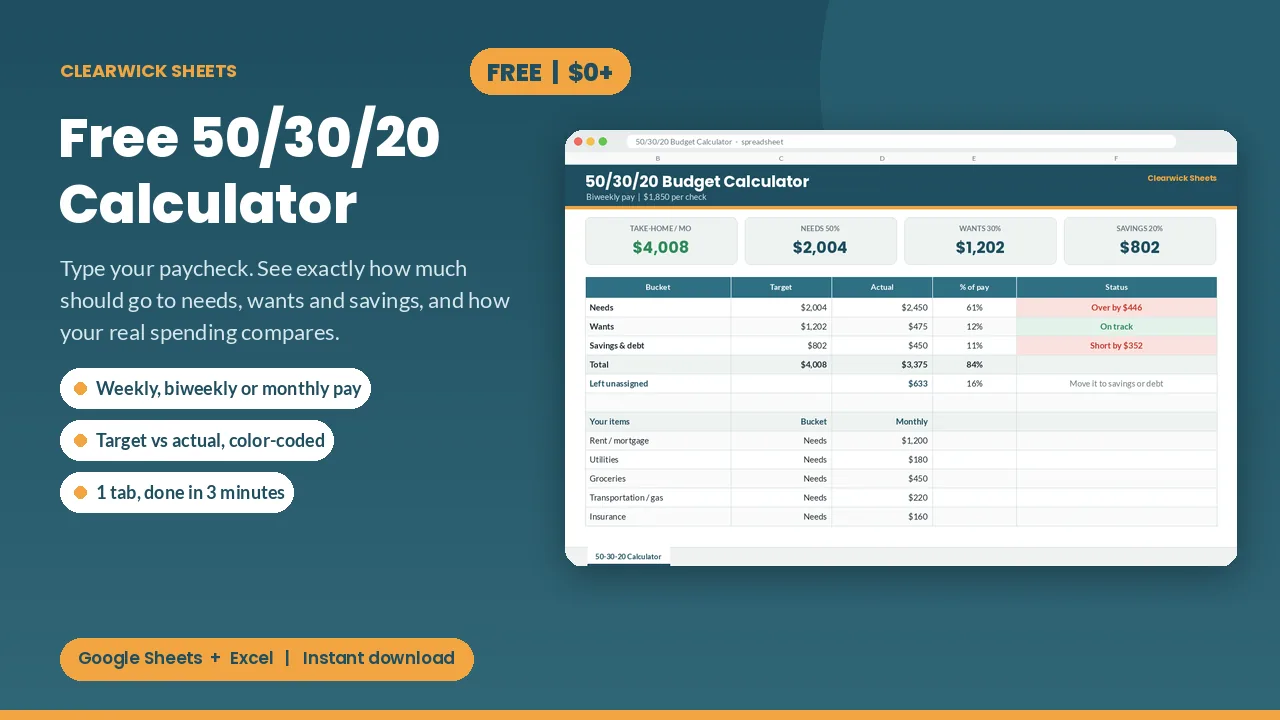
Type your paycheck and see exactly how much goes to needs, wants and savings, then check your real spending against it. Free.
What is the 50/30/20 rule?
The 50/30/20 rule, popularised by Elizabeth Warren and Amelia Warren Tyagi in All Your Worth, splits your after-tax income into three buckets:
- 50% needs: housing, utilities, groceries, insurance, transport, minimum debt payments.
- 30% wants: eating out, hobbies, streaming, travel, shopping.
- 20% savings and debt: emergency fund, retirement, extra debt payments.
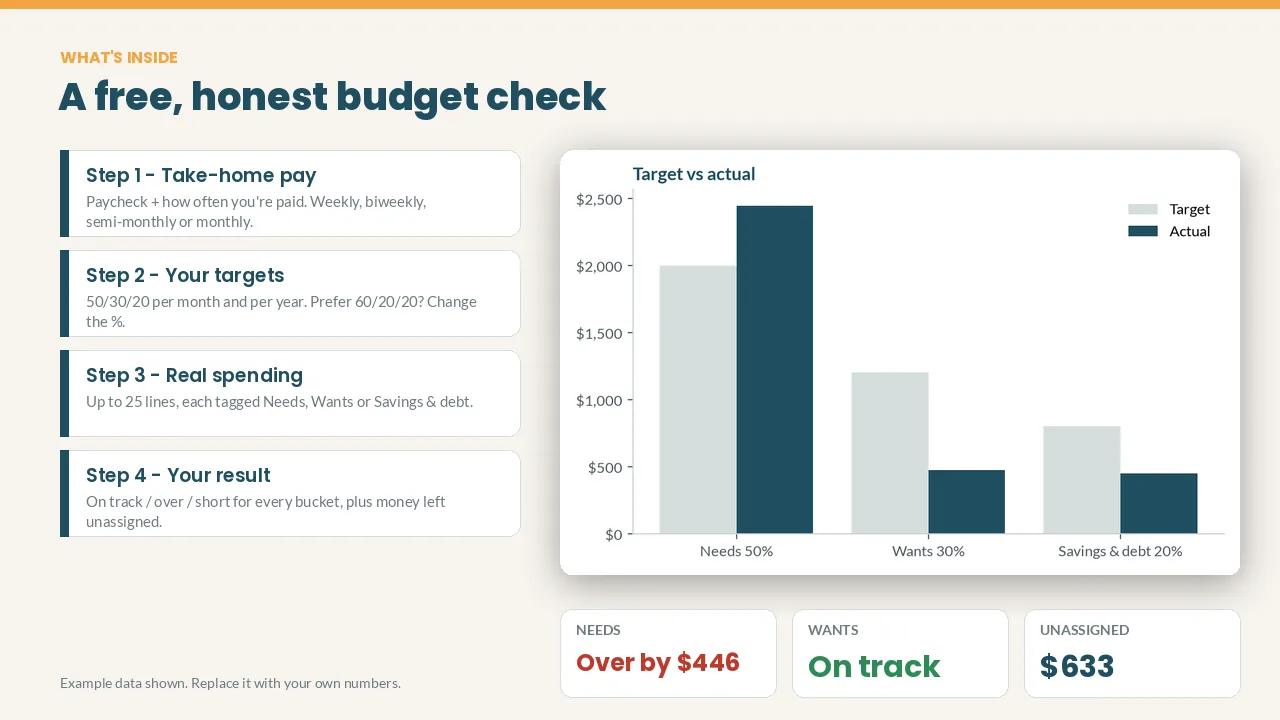
Example: $4,000 a month take-home → $2,000 needs, $1,200 wants, $800 savings and debt.
In high-rent cities needs often exceed 50%; a 60/20/20 split is a common adjustment. The point is to see your real split and fix the biggest gap first. This free calculator converts your paycheck to monthly take-home, lets you tag your actual expenses and shows target vs actual for each bucket.
What you get and how to use it
How much of your paycheck should go to rent, fun and savings? The 50/30/20 rule gives a simple answer, and this free calculator does the math for you in about 3 minutes.
What it does
- Converts your paycheck into real monthly take-home pay: weekly, biweekly, semi-monthly or monthly
- Splits it into Needs 50% / Wants 30% / Savings & debt 20%, per month and per year (prefer 60/20/20? Just change the %)
- Lets you list up to 25 real expenses and tag each one Needs, Wants or Savings & debt
- Shows target vs actual for every bucket, with "On track", "Over by $…" or "Short by $…" in green or red
- Shows the money left unassigned, so you can give every dollar a job
- Includes a chart that updates itself
How it works
- Type your paycheck and pick how often you're paid.
- Replace the example expenses with your own and pick a bucket for each.
- Read your result. Fix the biggest gap first.
Cream cells are your inputs; everything else calculates itself. One tab, no setup, no macros.
Works with: Google Sheets (free) and Microsoft Excel 2016+ / Excel 365. To use it in Google Sheets: upload to Google Drive, open it, then File > Save as Google Sheets.
Want more? The free calculator gives you the big picture. The full Clearwick Sheets planners track every dollar:
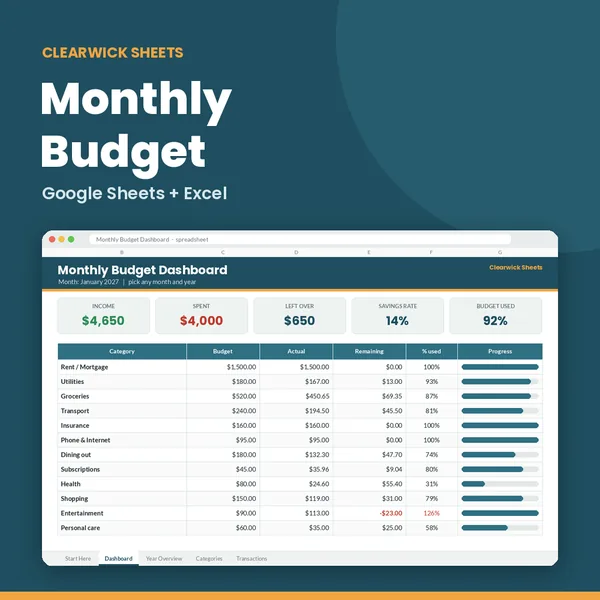
- Monthly Budget Planner: budget vs actual for 22 categories ($7)
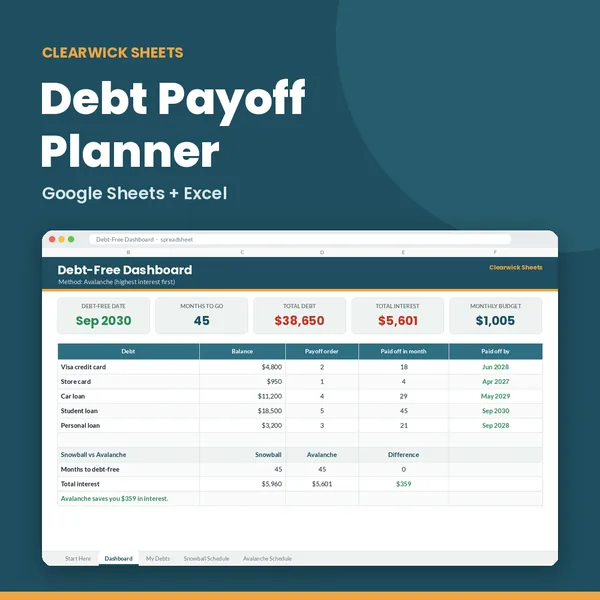
- Debt Payoff Planner: Snowball vs Avalanche, your debt-free date ($9)
- Paycheck Budget Planner: which bills each paycheck covers ($8)
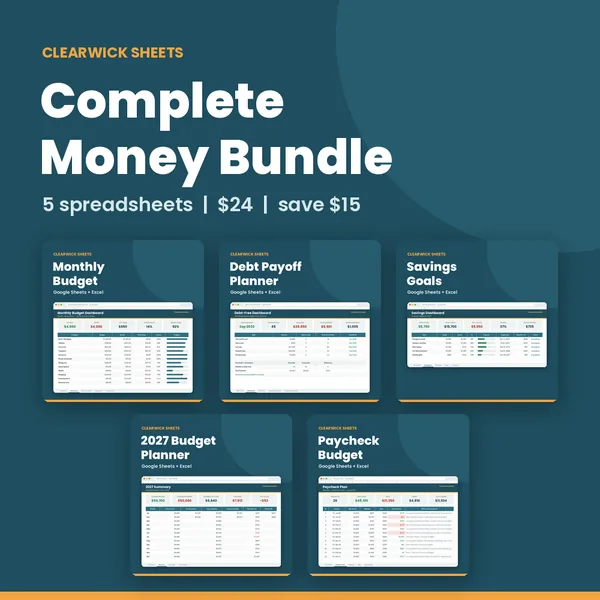
- Or get all 5 in the Complete Money Bundle for $24 (save $15): https://clearwicksheets.gumroad.com/l/complete-money-bundle
Pay what you want: $0 is completely fine. If it helped, a few dollars keeps the free tools coming.
How this was made: designed by Clearwick Sheets with AI-assisted tools; every formula was tested in Google Sheets before release. Example data in the screenshots is fictional. This is an organizing tool, not financial advice.