Complete Money Bundle: 5 Budget Spreadsheets for 2027
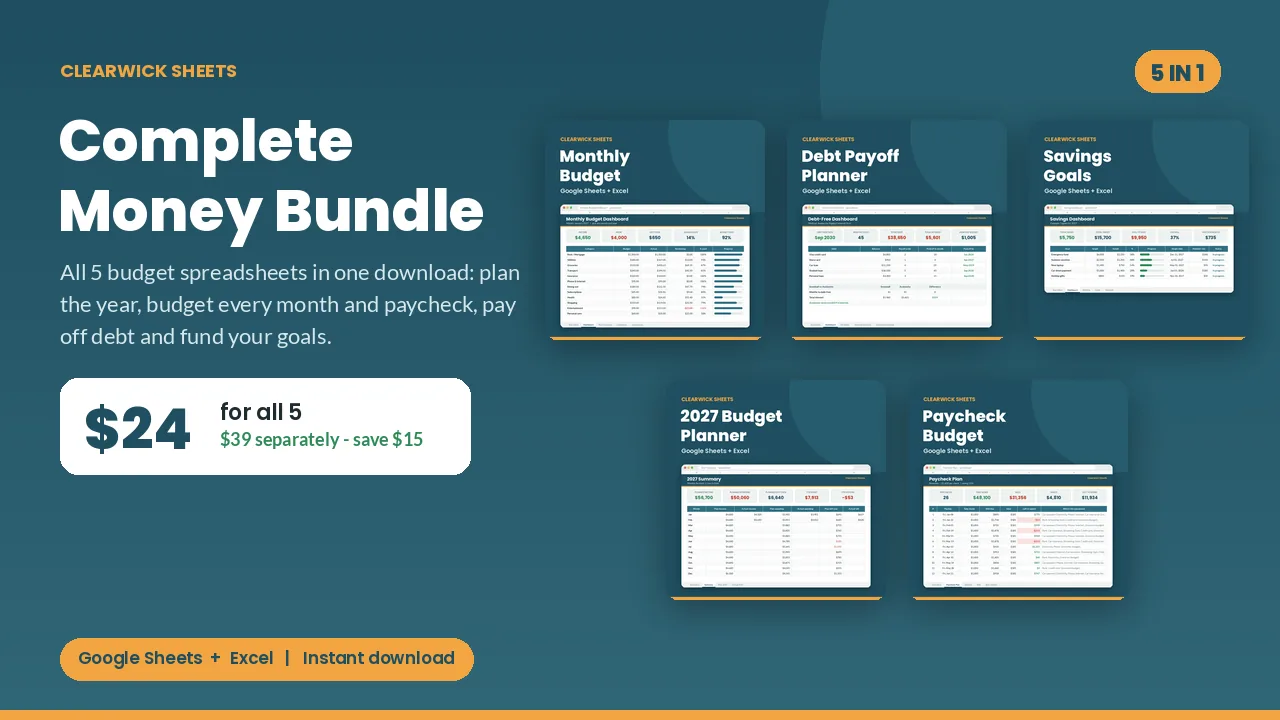
All 5 Clearwick planners in one download: plan the year, budget every month and paycheck, pay off debt and fund your goals. $24 instead of $39.
$24Buy on Gumroad – instant download
Which planner should you start with?
- Starting from zero? Open the Annual Budget Planner first to see the whole year, then use the Monthly Budget Planner day to day.
- Paid weekly or every two weeks? Use the Paycheck Budget Planner instead of (or alongside) the monthly one.
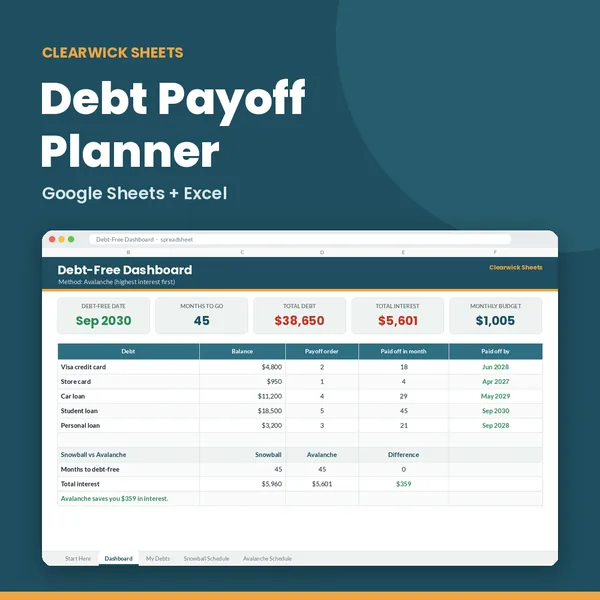
- Carrying credit card or loan balances? Run the Debt Payoff Planner once to pick snowball or avalanche, then update it monthly.
- Saving for specific things? The Savings Goal Tracker tells you the monthly amount for each goal.
The five files work independently, so you only use what fits your situation. Bought separately they cost $39; the bundle is $24.
What you get and how to use it
One money system for 2027, for less than the price of three planners. Five spreadsheets that cover every part of your money: the year, the month, the paycheck, your debt and your goals.
What's inside (5 .xlsx files)
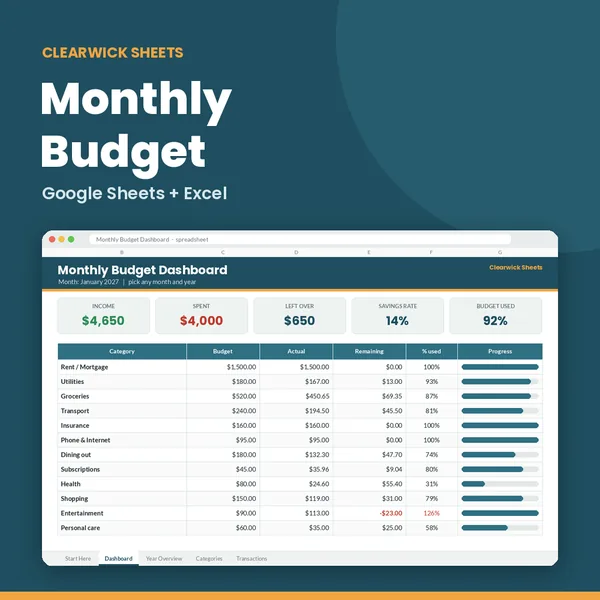
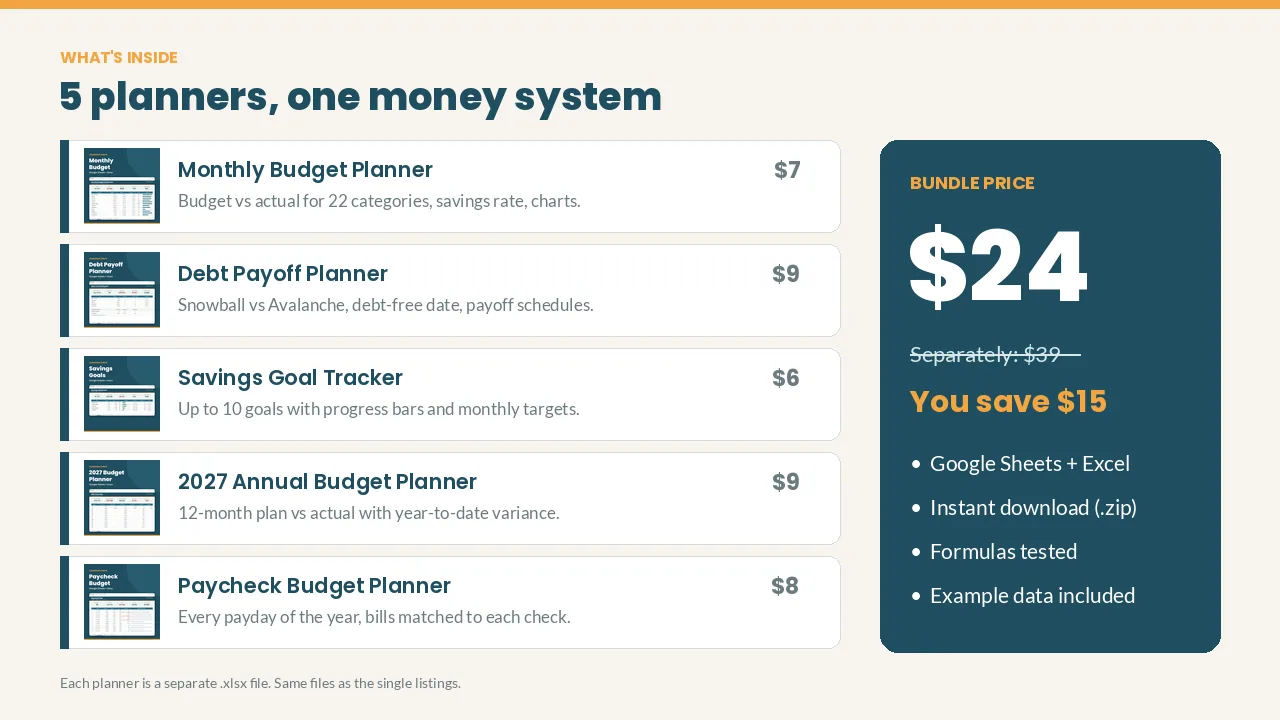
- Monthly Budget Planner ($7 alone): log spending in seconds, see budget vs actual for 22 categories, savings rate and charts for any month.
- Debt Payoff Planner ($9 alone): up to 10 debts, Snowball vs Avalanche side by side, your exact debt-free date and total interest.
- Savings Goal Tracker ($6 alone): up to 10 goals with progress bars and the amount to save each month to hit each target date.
- 2027 Annual Budget Planner ($9 alone): plan all 12 months, then track plan vs actual and year-to-date variance by category.
- Paycheck Budget Planner ($8 alone): every payday of the year (weekly, biweekly, semi-monthly or monthly) with the bills each paycheck must cover. Tight pay periods are flagged in red.
Separately: $39. Bundle: $24. You save $15.
How to use it
- Download the .zip and unzip it.
- Open any file in Google Sheets (upload to Drive > File > Save as Google Sheets) or Excel.
- Start on each file's "Start Here" tab. Cream cells are your inputs; everything else calculates itself.
Works with: Google Sheets (free) and Microsoft Excel 2016+ / Excel 365. Not tested on Apple Numbers.
Currency: shown in $; switch to £, € or anything else with Format > Number.
FAQ
- Are these the same files as the single listings? Yes, exactly the same 5 planners, at a lower total price.
- Already bought one? Message me with your receipt and I'll send a discount code worth what you paid.
- Is this financial advice? No. They're organizing tools that do the math for you.
- Refunds: Because it's a digital download, contact me first if anything doesn't work and I'll fix it or refund you.
For personal use. Please don't resell or share the files.
Get the Complete Money Bundle – $24
How this was made: designed by Clearwick Sheets with AI-assisted tools; every formula was tested in Google Sheets before release. Example data in the screenshots is fictional. This is an organizing tool, not financial advice.